Download InvoiceUpdated 8 months ago
- Go to: https://saxx.eIasticsuite.com/
- Go to Manage > Orders
- Click on the Invoices tab

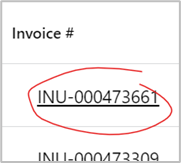
- If your order has been invoiced, there will by a hyperlink. When you click on it a PDF of your invoice will automatically download. You may need to check your devices Downloads folder.